
Your free Prime sub can help someone in need

Got Amazon Prime? You get one free Twitch sub every month. Give it to Sub4luvv and every dollar goes back to people in need and to the supporters of this community.

Claim your free sub โ†’ Already connected Prime? Go to Sub4luvv โ†’

After you sub, a 30-day timer shows here for your next free sub. Check back on the same device to see it.

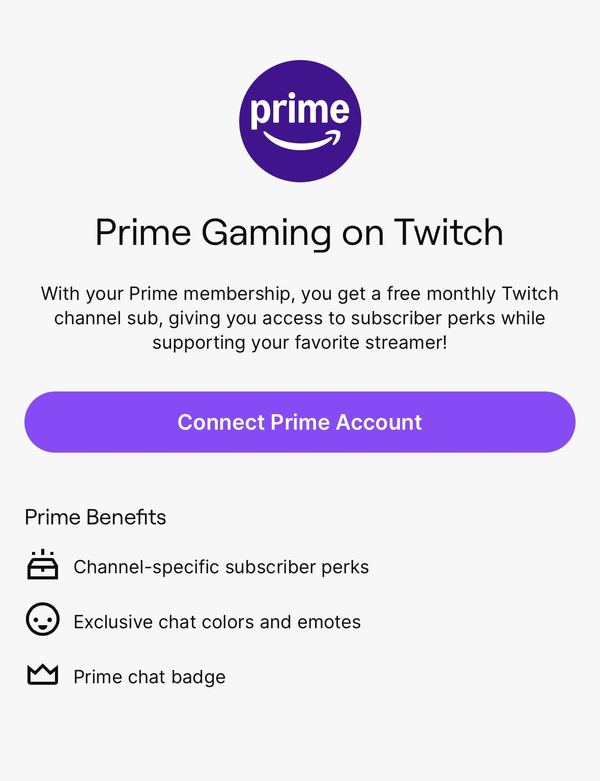
Prime Gaming on Twitch page with Connect Prime Account button
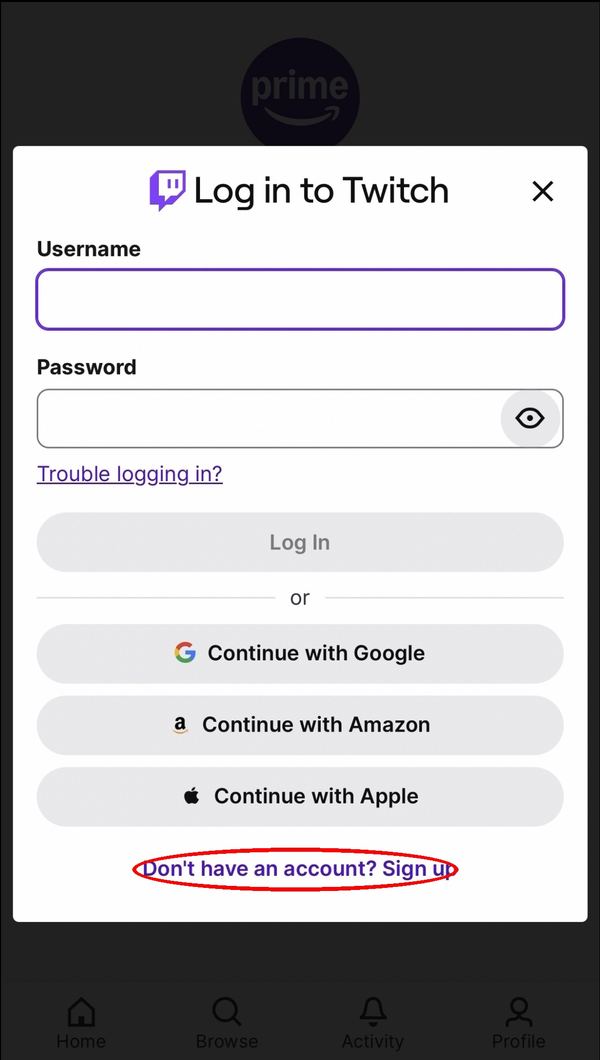
Log in to Twitch screen with Sign up link
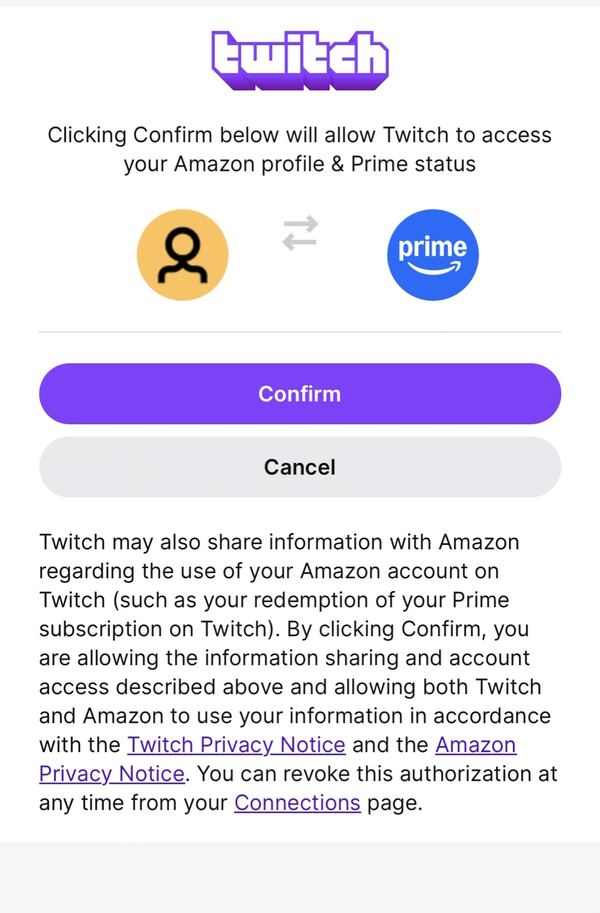
Confirm screen linking Twitch to Amazon Prime
Twitch search for Sub4luvv
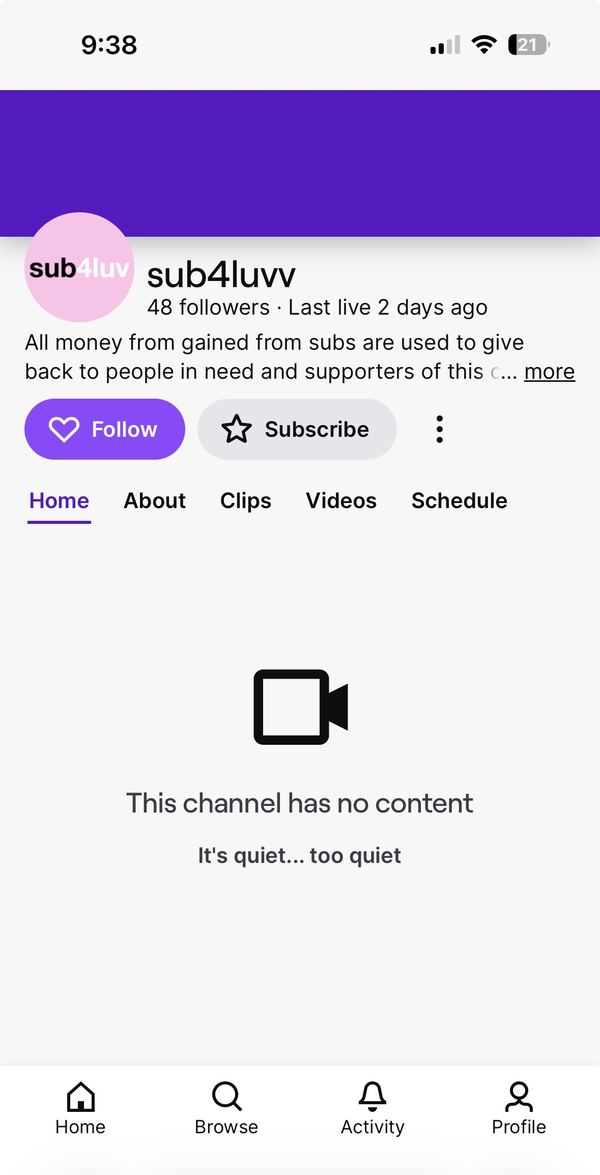
Sub4luvv channel page with Subscribe button
Subscribe page with Use Prime Sub checked and Subscribe with Prime button
Sub4luv

You're subbed! Thank you ๐Ÿ’œ

  1. Open Prime Gaming on Twitch

    Tap Connect Prime Account.

  2. Log in to Twitch

    Log in, or tap Sign up to make a free Twitch account if you don't have one.

  3. Link your Amazon account

    Sign in with the Amazon account that has Prime, then tap Confirm.

  4. Search โ€œSub4luvvโ€

    Search for Sub4luvv (two v's) and open the channel.

  5. Subscribe with Prime ๐Ÿ’œ

    Tap Subscribe, make sure Use Prime Sub is checked, then tap Subscribe with Prime. It's free, and you just helped someone in need.

โฐ Set a monthly reminder

Prime subs don't renew on their own. Your free sub refreshes every 30 days, so come back and re-sub to Sub4luvv each month to keep helping.